← Back to blog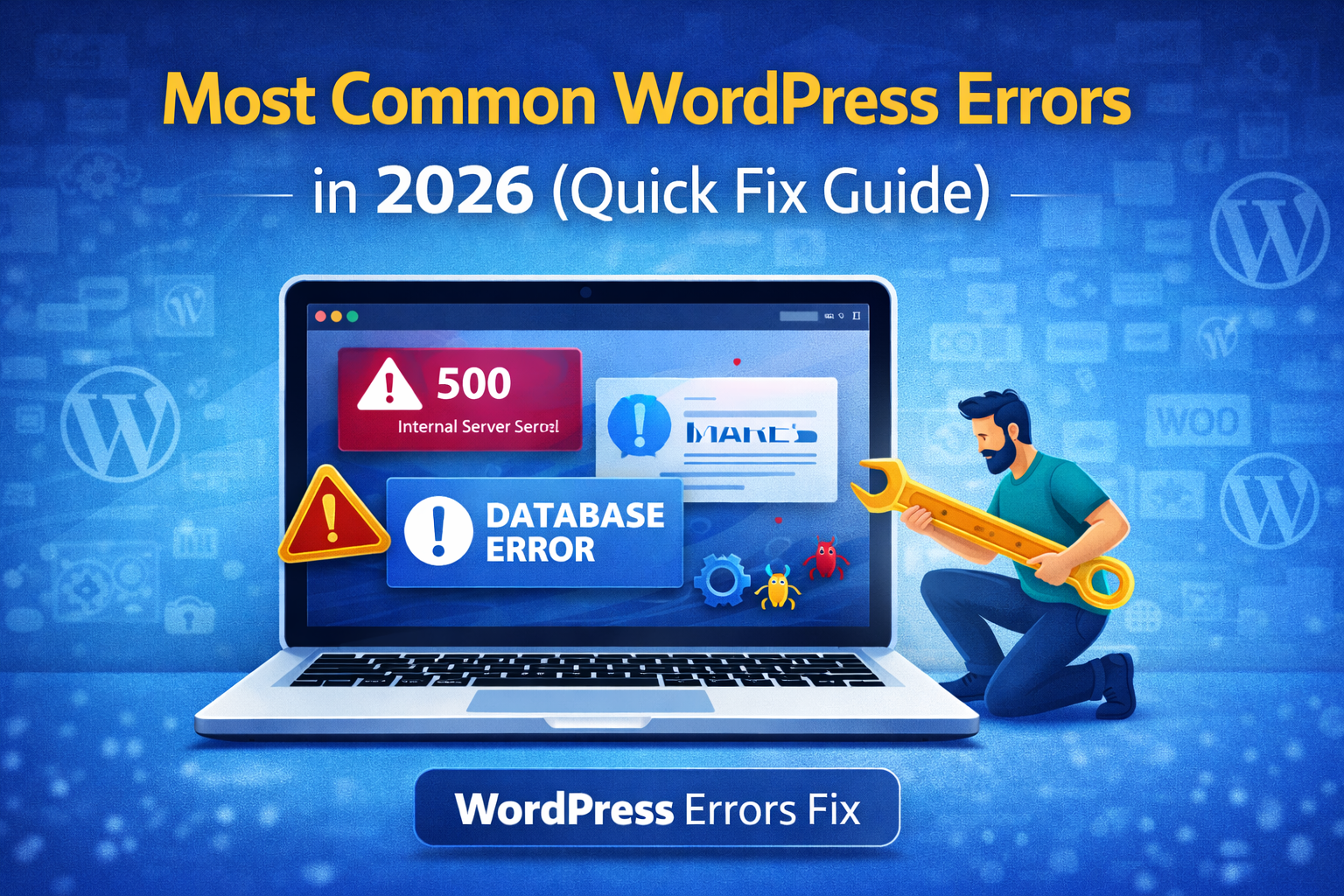
WordPress TutorialsWordPress Errors
Most Common WordPress Errors in 2026 and How to Fix Them Fast
A
Alex
Feb 22, 2026 · 4 min read
WordPress Common Errors Fix 2026 – Complete Troubleshooting Guide
 Visual overview of common WordPress errors in 2026


WordPress Common Errors Fix 2026 – Complete Troubleshooting Guide
WordPress common errors fix 2026 is one of the most important topics for website owners today. WordPress powers millions of websites, but errors are still common due to plugins, themes, hosting issues, and server configuration problems. If your website breaks, loads blank pages, or shows error messages, it can directly impact SEO rankings, traffic, and business revenue. In this guide, you will learn how to fix all major WordPress errors step-by-step in 2026.
Visual overview of common WordPress errors in 2026
Why WordPress Errors Happen
WordPress errors usually occur due to technical issues in plugins, themes, or server settings.- Plugin conflicts after updates
- Theme compatibility issues
- Low PHP memory limit
- Corrupted core files
- Database connection issues
- Incorrect file permissions
White Screen of Death Fix
This is one of the most common WordPress errors where your website shows a blank page.Fix Steps:
- Disable all plugins via FTP
- Switch to default theme
- Increase PHP memory limit
- Enable debugging mode
500 Internal Server Error
This error indicates server misconfiguration or broken .htaccess file.Fix Steps:
- Rename .htaccess file
- Deactivate plugins
- Update PHP version
- Contact hosting support
Database Connection Error
This happens when WordPress cannot connect to your database.Fix Steps:
- Check wp-config.php credentials
- Repair database via phpMyAdmin
- Restart hosting server
403 Forbidden Error
- Incorrect file permissions
- Security plugin blocking access
- CDN or firewall issue
404 Error After Permalink Change
Fix:
- Go to Settings → Permalinks
- Click Save Changes
Memory Exhausted Error Fix
This error occurs when PHP memory limit is too low.define('WP_MEMORY_LIMIT', '256M');Update Failed Error
- Server timeout
- Plugin stuck in maintenance mode
- File permission issue
Image Upload Error
- Wrong folder permissions
- Low memory limit
- Plugin conflict
Login Redirect Loop
- Clear browser cookies
- Deactivate plugins
- Check site URL settings
REST API Error
This error mostly appears in page builders like Elementor or Gutenberg.Prevention Tips (Very Important)
- Always use updated plugins
- Take daily backups
- Use strong hosting provider
- Enable security plugin
- Use staging site before updates
Advanced WordPress Error Prevention System
The best way to handle WordPress common errors fix 2026 is not just fixing them, but preventing them permanently. Most website errors happen due to poor maintenance, outdated plugins, or weak hosting environments. If you follow a proper WordPress maintenance system, you can reduce 90% of common errors automatically.1. Use Automatic Backup System
Always use plugins like UpdraftPlus or Jetpack to create daily backups. If anything breaks, you can restore your site in minutes.2. Use Staging Environment
Never update plugins directly on live site. Always test updates on staging first to avoid errors.3. Monitor Website Health
Use tools like WordPress Site Health feature to track PHP issues, REST API errors, and performance warnings.4. Use Lightweight Plugins Only
Heavy or poorly coded plugins are the main reason behind WordPress errors. Always use trusted plugins only.5. Secure Hosting Matters
Cheap hosting often causes database and server errors. Use optimized WordPress hosting for stability.6. Keep Everything Updated
Outdated plugins, themes, or PHP versions cause most WordPress failures.Why WordPress Common Errors Fix 2026 is Important for SEO
Search engines like Google prioritize websites that are stable, fast, and error-free. If your site frequently shows errors like 500, 404, or database issues, your SEO rankings will drop.- Broken pages reduce crawlability
- Server errors affect indexing
- Slow sites lose ranking positions
- Downtime reduces trust signals
Conclusion
WordPress common errors fix 2026 becomes easy when you follow the correct troubleshooting steps. Most errors are caused by plugins, themes, or server issues. If you regularly maintain your website, update plugins, and use good hosting, you will rarely face these issues. A stable WordPress website improves SEO ranking, user experience, and business growth.FAQ
What is WordPress common errors fix 2026?
It refers to troubleshooting methods for fixing common WordPress issues like 500 error, white screen, database error, etc.Why does WordPress show errors?
Main reasons are plugin conflicts, theme issues, or server misconfiguration.Can I fix WordPress errors without coding?
Yes, most errors can be fixed using admin panel or FTP steps.Related WooCommerce Tutorials
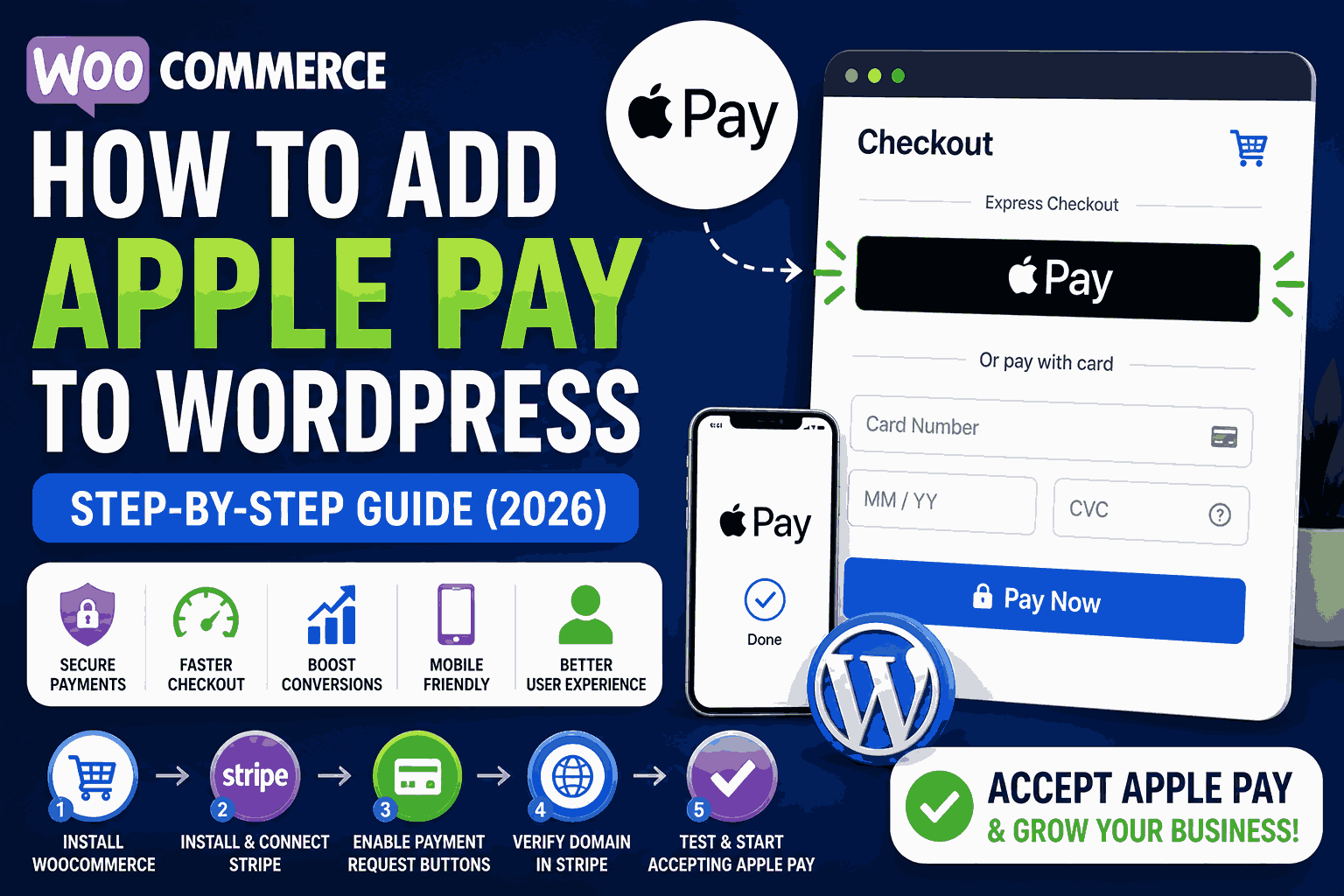
- How to Add Apple Pay in WooCommerce
- WooCommerce Checkout Error Fix
- WooCommerce Cart Not Updating Fix
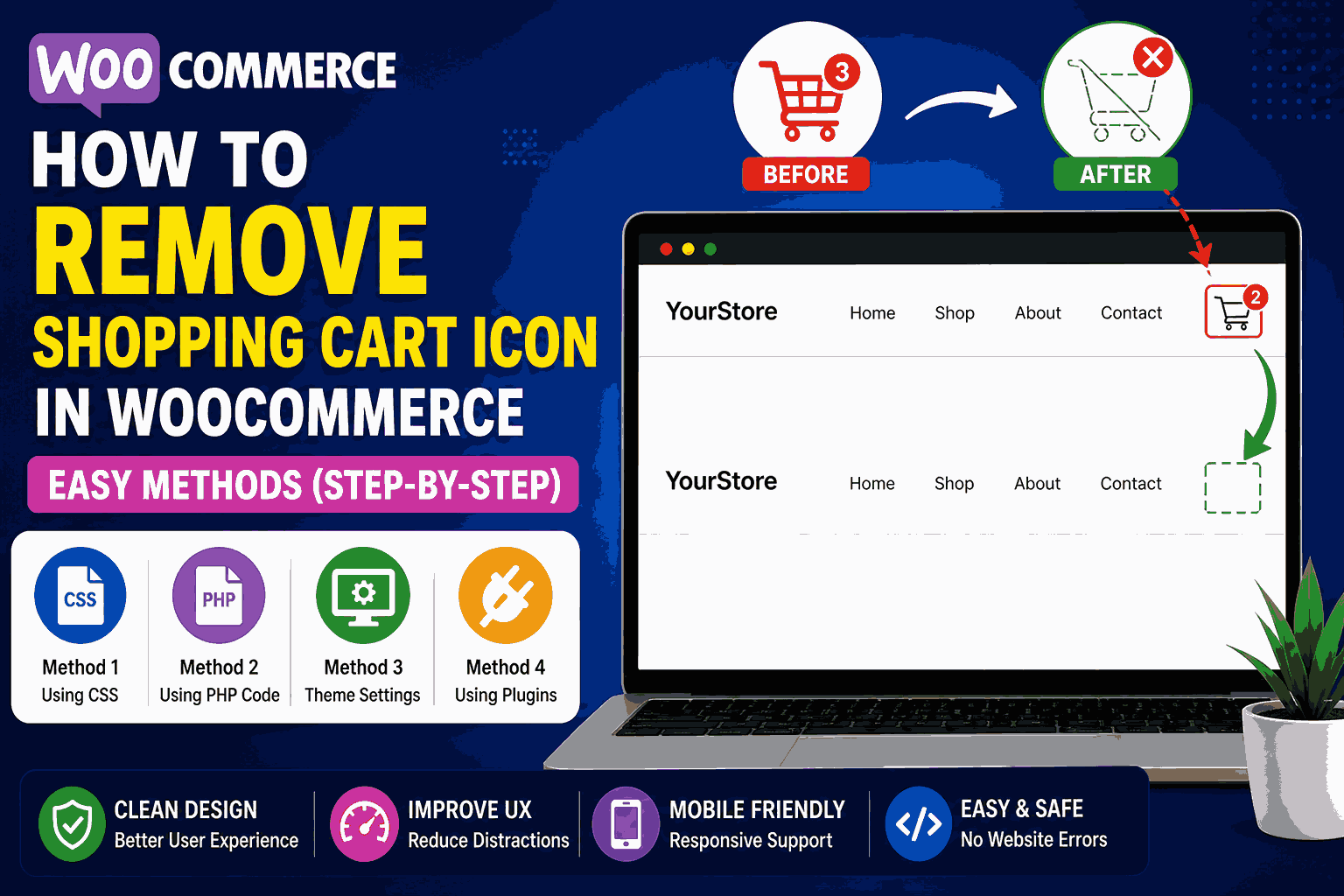
- Remove WooCommerce Cart Icon
- WooCommerce Speed Optimization Guide
- WooCommerce Mobile Optimization Tips
Useful Resources
#CMS errors#fix WordPress issues#website errors#WordPress errors#WordPress troubleshooting#WP bugs
A
Written by
Alex
SOFTIO TECH — web development & website support.