← Back to blog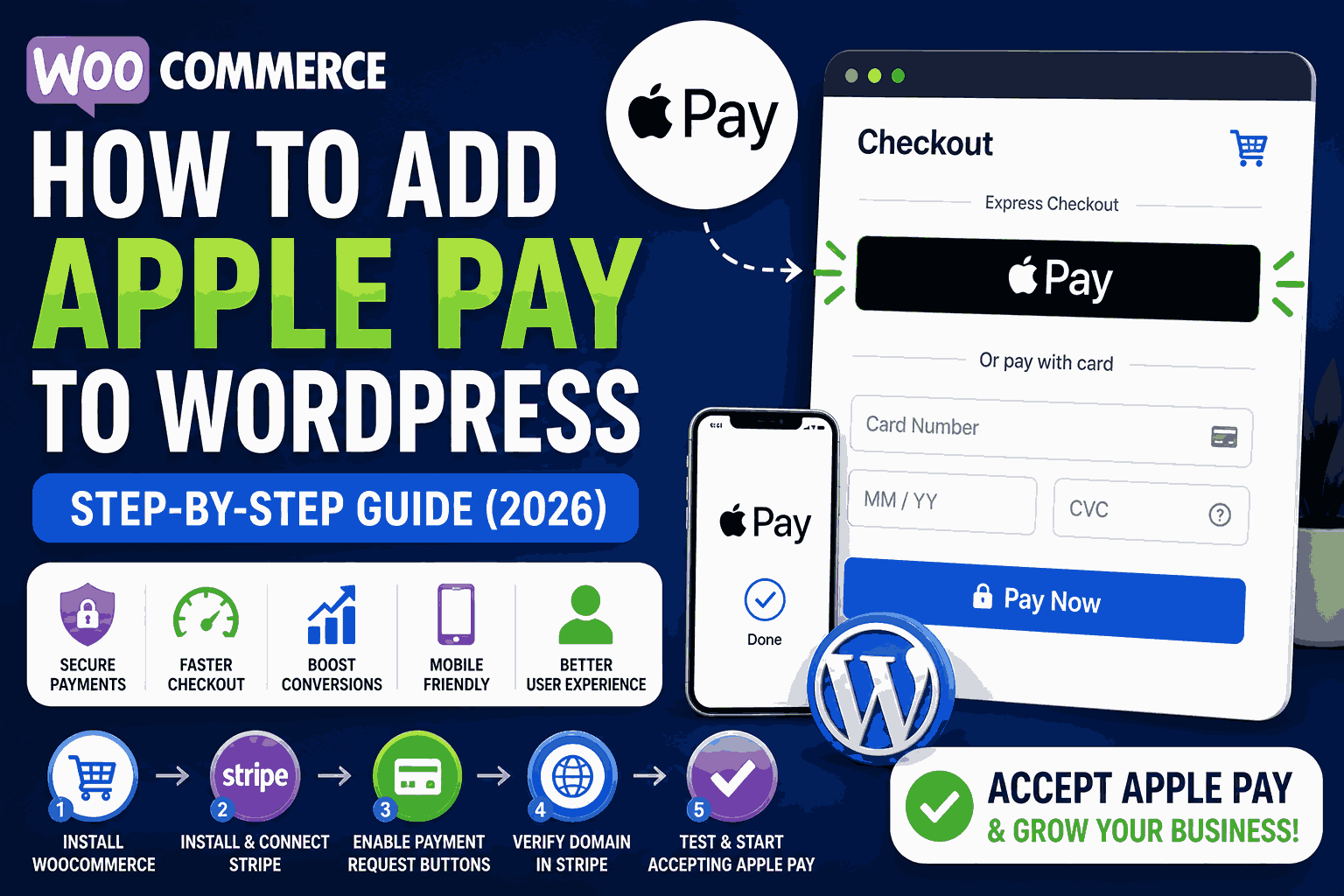
E-commercePayment Setup
How to Add Apple Pay to WordPress
A
Alex
May 8, 2026 · 2 min read
Introduction
Adding Apple Pay to your WordPress website can significantly improve your checkout experience and increase conversions, especially for mobile users. Apple Pay allows customers to complete purchases instantly without entering card details, making the process faster and more secure.Why You Should Add Apple Pay
- Faster checkout process
- Higher conversion rates
- Better mobile experience
- Secure payments
- Trusted by users
Requirements for Apple Pay
- HTTPS (SSL certificate required)
- WooCommerce installed
- Stripe payment gateway
- Verified domain in Stripe
- Apple device for testing
Step-by-Step: Add Apple Pay to WordPress
1. Install WooCommerce
Install and activate WooCommerce plugin on your WordPress site.2. Install Stripe Payment Gateway
Install “WooCommerce Stripe Payment Gateway” plugin.3. Connect Stripe Account
- Go to WooCommerce → Settings → Payments → Stripe
- Click “Connect with Stripe”
4. Enable Payment Request Buttons
This enables Apple Pay & Google Pay.- Enable “Payment Request Buttons”
- Save settings
Stripe Configuration
Verify Domain
- Login to Stripe Dashboard
- Go to Apple Pay settings
- Add your domain
Upload Verification File
Upload file to: /.well-known/apple-developer-merchantid-domain-associationHow to Test Apple Pay
- Use Safari browser
- Use iPhone or Mac
- Add product to cart
- Check Apple Pay button visibility
Common Issues & Fixes
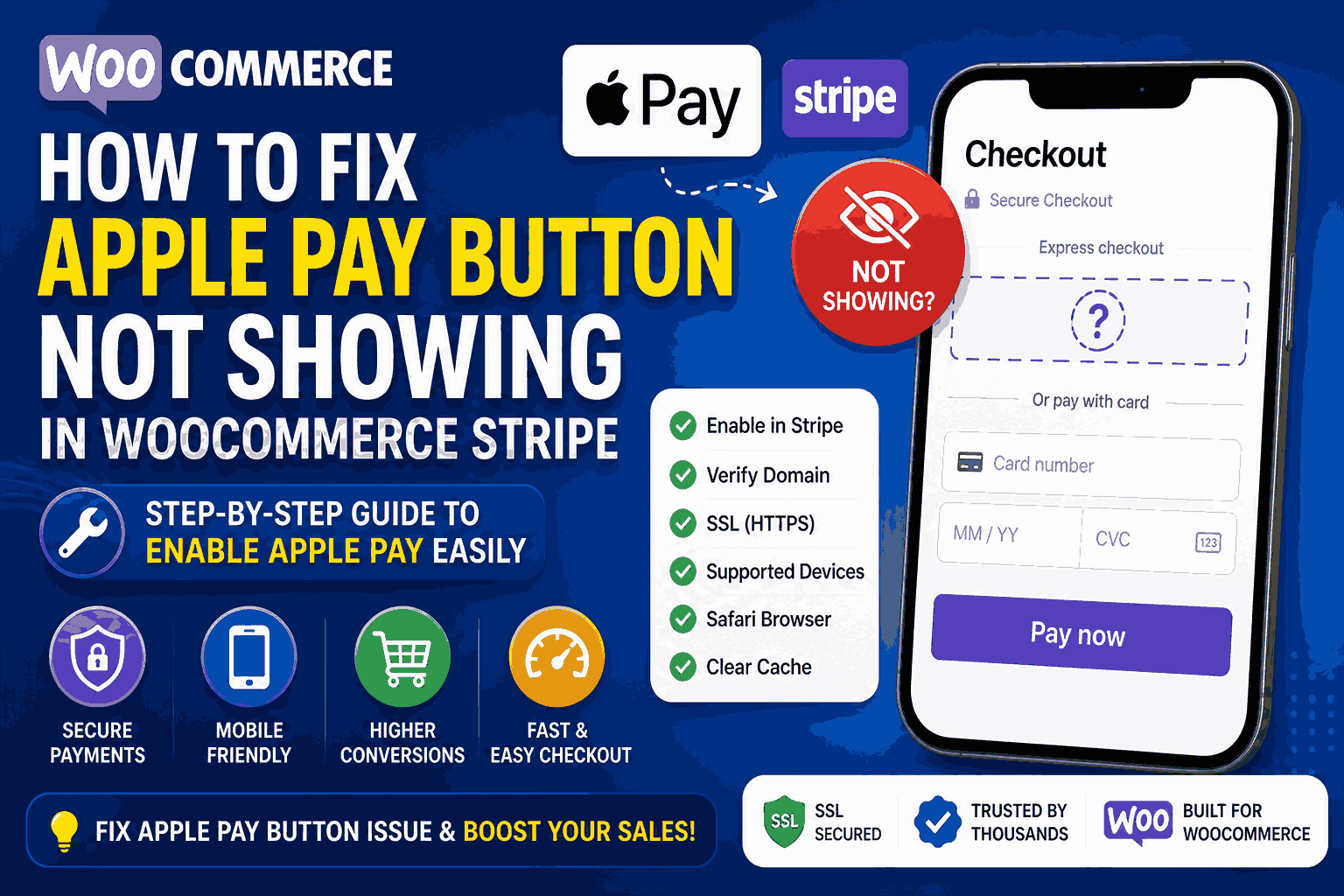
- Apple Pay not showing → Verify domain
- Button missing → Enable Payment Request
- Not working → Check SSL
- Theme issue → Switch theme
Optimization Tips
- Show Apple Pay on product page
- Optimize mobile design
- Use fast hosting
- Simplify checkout
Frequently Asked Questions
Can I add Apple Pay without WooCommerce?
Mostly no, WooCommerce + Stripe is required.Does Apple Pay work on all devices?
No, only Apple devices and Safari browser.Is Apple Pay free?
No extra fee, but Stripe transaction fees apply.Conclusion
Adding Apple Pay to WordPress is one of the best ways to improve checkout speed and conversions. With WooCommerce and Stripe, setup is simple if done correctly. Follow this guide and your Apple Pay will be live in minutes.#Apple Pay WordPress#pple Pay integration#Stripe Apple Pay setup#WooCommerce Apple Pay#WordPress payments
A
Written by
Alex
SOFTIO TECH — web development & website support.