← Back to blog
WordPressThemeWooCommerce
Free WordPress Templates and Themes
A
Alex
Jan 17, 2026 · 3 min read
- Introduction
- What Are WordPress Templates and Themes?
- Benefits of Free WordPress Themes
- Where to Find Free WordPress Templates
- How to Install Free WordPress Themes
- How to Customize WordPress Templates
- Responsive Design Importance
- SEO Benefits of Free Themes
- Common Mistakes to Avoid
- Pro Tips for Choosing Themes
- FAQ
- Conclusion
Free WordPress Templates and Themes 2026 – Complete Beginner Guide
Introduction
Starting a website in 2026 has become extremely easy due to the availability of free WordPress templates and themes. You don’t need coding knowledge or expensive developers to build a professional website anymore. With just a few clicks, you can install a beautiful theme, customize it, and launch your website in minutes. This guide will help beginners understand everything about free WordPress themes and how to use them effectively. Whether you are creating a blog, business website, portfolio, or online store, free templates give you a strong starting point.What Are WordPress Templates and Themes?
WordPress themes control the overall design of your website including layout, colors, fonts, and structure. Templates are specific page layouts inside a theme like homepage, blog page, or contact page. Together, they define how your website looks and functions.Benefits of Free WordPress Themes
- Completely free to use
- Easy installation process
- Beginner-friendly customization
- Mobile responsive design
- SEO optimized structure
- Regular updates from WordPress community
Where to Find Free WordPress Templates
You can find free WordPress themes from trusted sources:- WordPress.org Theme Directory
- Astra Free Theme
- OceanWP Theme
- GeneratePress
- Neve Theme
Comparison of Popular Free WordPress Themes
Below is a quick comparison of the best free WordPress themes in 2026 to help you choose the right one:| Theme Name | Speed | SEO Friendly | Customization | Best For |
|---|---|---|---|---|
| Astra | Very Fast | Excellent | High | Blogs & Business Sites |
| OceanWP | Fast | Good | Very High | E-commerce Stores |
| GeneratePress | Ultra Fast | Excellent | Medium | SEO Blogs |
| Neve | Fast | Very Good | High | Startups |
| Blocksy | Fast | Excellent | Very High | Modern Websites |
How to Install Free WordPress Themes
- Go to WordPress Dashboard
- Click Appearance → Themes
- Click “Add New”
- Search for theme name
- Click Install → Activate
How to Customize WordPress Templates
You can customize themes in multiple ways:- WordPress Customizer (Colors, Fonts, Layout)
- Page Builders like Elementor
- Widgets and Menus
- Child Theme editing (advanced users)
Responsive Design Importance
A responsive theme automatically adjusts to mobile, tablet, and desktop screens. In 2026, more than 70% users come from mobile devices. So mobile-friendly design is extremely important for SEO ranking and user experience.SEO Benefits of Free WordPress Themes
- Clean HTML structure
- Fast loading speed
- Mobile optimization
- Schema support
- Better Google ranking chances
Common Mistakes to Avoid
- Installing too many heavy themes
- Ignoring updates
- Using nulled themes
- Ignoring mobile optimization
- Not checking plugin compatibility
Pro Tips for Choosing Themes
- Always check reviews and ratings
- Use lightweight themes
- Check SEO compatibility
- Test demo before installation
- Ensure regular updates
FAQ
Are free WordPress themes safe?
Yes, if downloaded from WordPress.org or trusted developers.Can I customize free themes?
Yes, most free themes support full customization.Do free themes affect SEO?
No, many free themes are SEO optimized.Can I use free themes for business websites?
Yes, many businesses start with free themes.Conclusion
Free WordPress templates and themes are the best way to start your online journey without investment. They are easy, fast, and SEO-friendly for beginners. If used correctly, free themes can help you build a professional website that looks premium and ranks well on Google. Start with a simple theme, customize it, and grow your website step by step.Related WooCommerce Tutorials
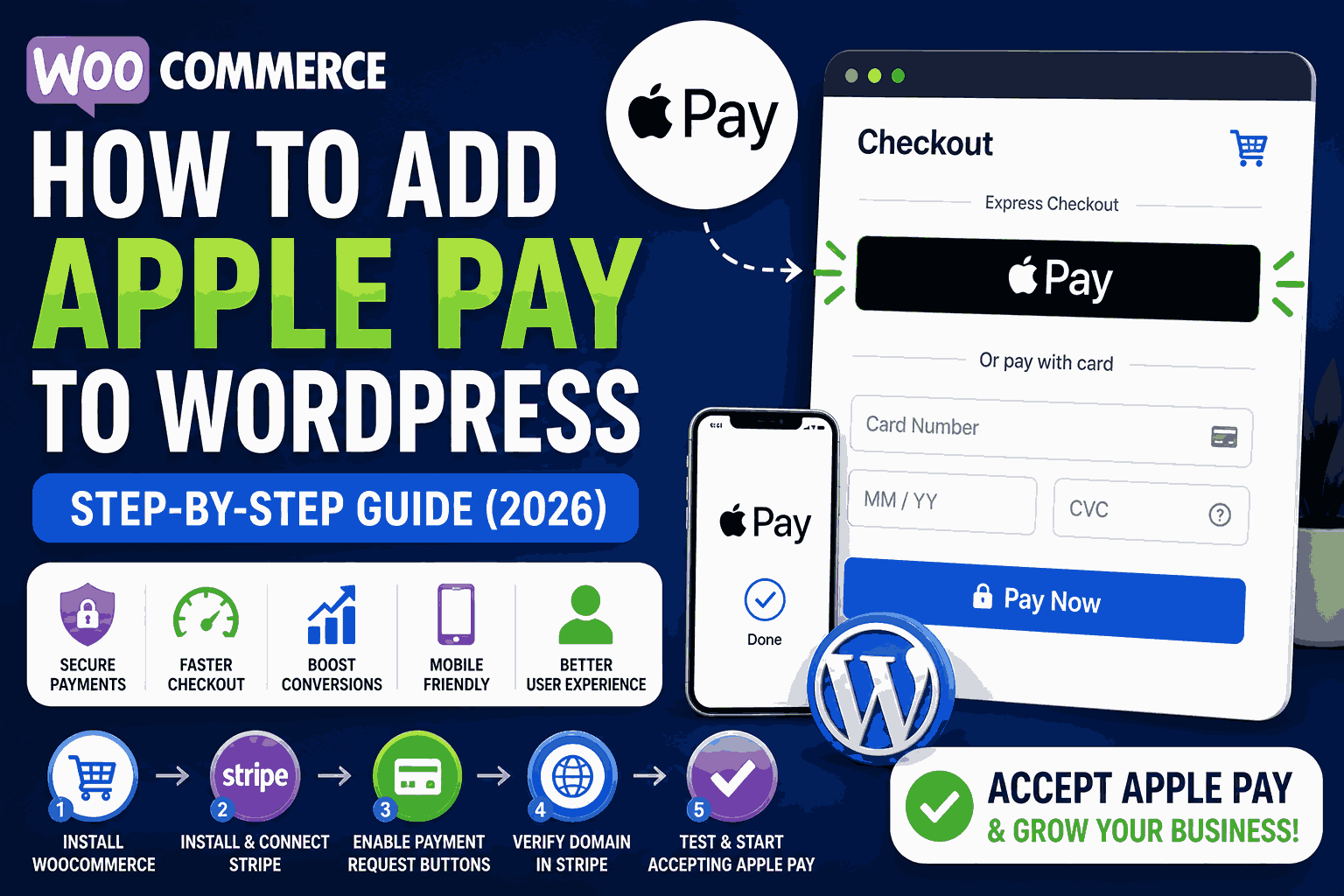
- How to Add Apple Pay in WooCommerce
- WooCommerce Checkout Error Fix
- WooCommerce Cart Not Updating Fix
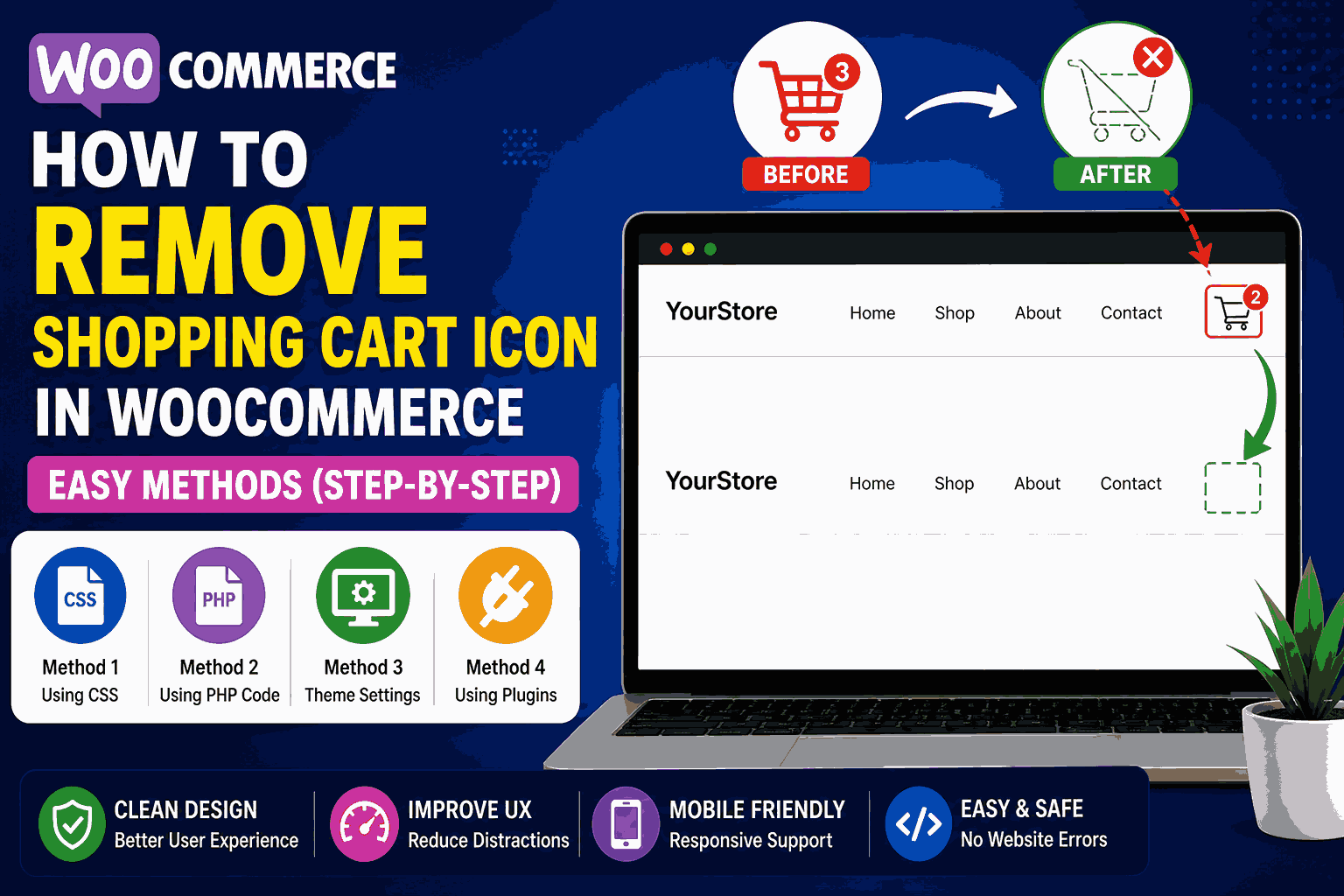
- Remove WooCommerce Cart Icon
- WooCommerce Speed Optimization Guide
- WooCommerce Mobile Optimization Tips
Useful Resources
A
Written by
Alex
SOFTIO TECH — web development & website support.