← Back to blog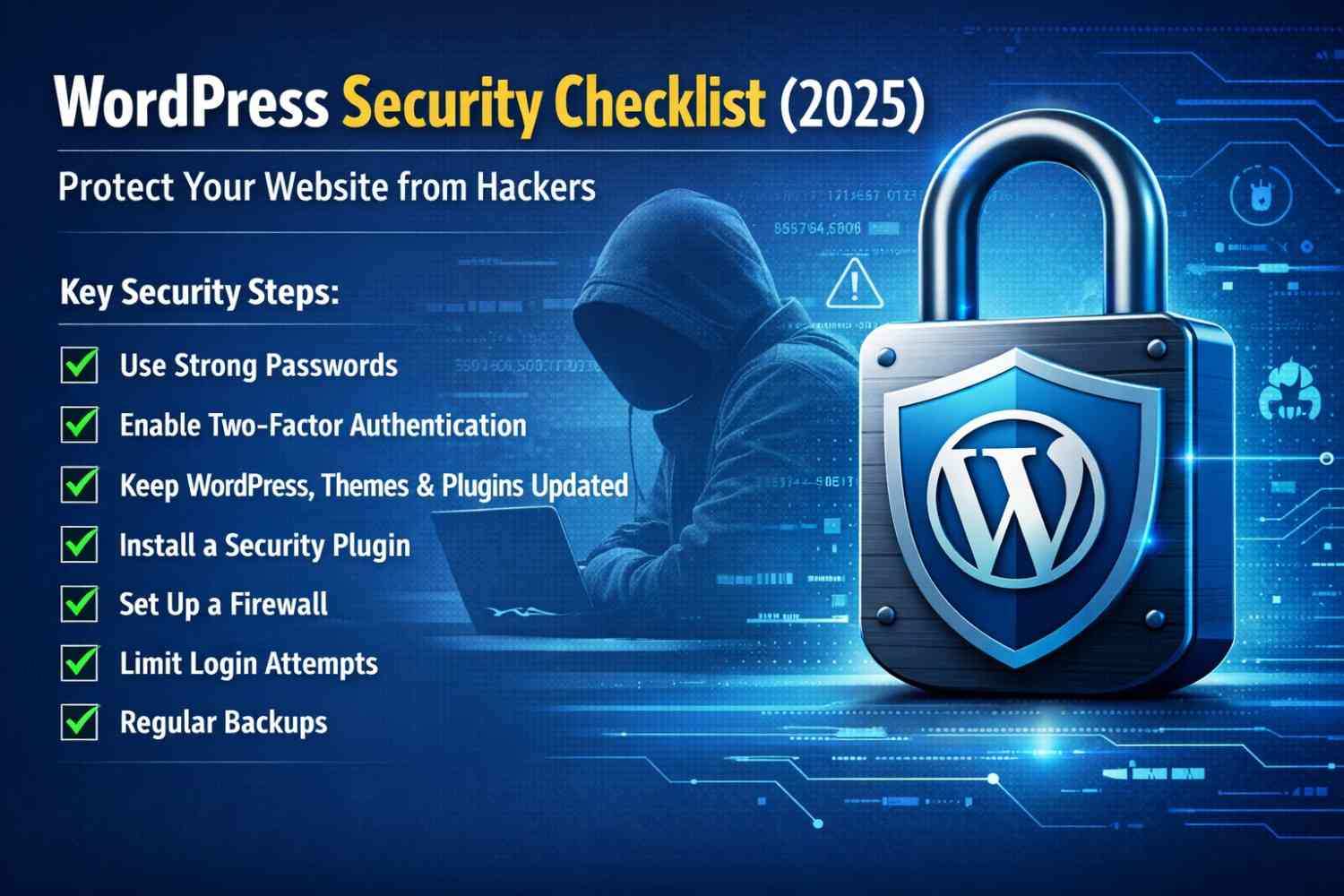
WordPressPluginsWordPress security 2025
WordPress Security Checklist (2025) – Protect Your Website from Hackers & Malware
A
Alex
Dec 25, 2025 · 3 min read
-
- Introduction
- Why WordPress Security 2025 Is Critical
- Complete WordPress Security 2025 Checklist
- Always Keep WordPress Updated
- Use Strong Usernames & Passwords
- Install a Trusted WordPress Security Plugin
- Enable a Web Application Firewall (WAF)
- Secure the WordPress Login Page
- Use Secure WordPress Hosting
- Enable SSL Certificate (HTTPS)
- Take Regular Website Backups
- Secure the WordPress Database
- Disable File Editing in WordPress Dashboard
- Protect Contact Forms & Prevent Spam
- Monitor Website Activity
- Common Signs Your WordPress Site Is Hacked
- WordPress Security for Business Owners
- Final Thoughts
- FAQ
Introduction
In 2025, WordPress powers over 40% of websites worldwide, making it the most popular content management system. Unfortunately, this also makes WordPress the biggest target for hackers, malware, brute-force login attacks, and spam injections. Thousands of WordPress websites in the USA & Canada get hacked each month due to poor security practices. Whether you run a blog, business site, or WooCommerce store, ignoring WordPress security can result in traffic loss, revenue damage, and Google penalties.Why WordPress Security 2025 Is Critical
WordPress core software is secure, but security risks usually come from outdated plugins, weak passwords, cheap hosting, and missing firewall protection.- Google blacklist warnings
- SEO ranking drops
- Customer data theft
- Website downtime
Complete WordPress Security 2025 Checklist
Follow this step-by-step WordPress security checklist designed for beginners, developers, and business owners to secure their website fully in 2025.Always Keep WordPress Updated
Keeping WordPress core, themes, and plugins updated is the most important security step. Outdated plugins are the #1 reason sites get hacked.- Enable automatic updates
- Delete unused plugins & themes
- Use plugins from trusted developers only
Use Strong Usernames & Passwords
Weak credentials like admin or simple passwords make your website vulnerable to brute-force attacks.- Use minimum 12-character passwords
- Mix uppercase, lowercase, numbers & symbols
- Enable Two-Factor Authentication (2FA)
Install a Trusted WordPress Security Plugin
A WordPress security plugin acts like a digital security guard, protecting your site from malware, hacking, and suspicious activity. Top security plugins in 2025 include Wordfence, Sucuri, and iThemes Security.Enable a Web Application Firewall (WAF)
A firewall blocks malicious traffic before it reaches your website. Cloud-based firewalls are especially effective for USA & Canada traffic.- Stops brute-force attacks
- Blocks fake bot traffic
- Improves website performance
Secure the WordPress Login Page
The login page is the most attacked area. Protect it with additional security layers.- Change the login URL
- Limit login attempts
- Add CAPTCHA & 2FA
Use Secure WordPress Hosting
Cheap hosting often lacks proper security. Secure WordPress hosting includes server-level firewalls, malware scanning, and daily backups. Managed WordPress hosting is highly recommended for business websites.Enable SSL Certificate (HTTPS)
SSL encrypts data between users and your website. Google prefers HTTPS websites and shows security warnings for non-SSL sites.Take Regular Website Backups
Backups are essential if your site gets hacked or infected with malware.- Daily automatic backups
- Cloud storage support
- One-click restore option
Secure the WordPress Database
Your WordPress database stores all critical data. Securing it prevents leaks.- Change database table prefix
- Restrict phpMyAdmin access
- Use strong database passwords
Disable File Editing in WordPress Dashboard
Hackers often modify theme files after gaining access. Disable file editing to prevent this.
define('DISALLOW_FILE_EDIT', true);
Protect Contact Forms & Prevent Spam
Spam attacks can overload your server and inject malicious content. Use Google reCAPTCHA, honeypot fields, and email validation.Monitor Website Activity
Monitoring login activity, file changes, and plugin installations helps detect security issues early before major damage occurs.Common Signs Your WordPress Site Is Hacked
- Sudden website slowdown
- Spam pages appearing
- Google security warnings
- Redirects to unknown websites
WordPress Security for Business Owners
If you run a business website or WooCommerce store, professional WordPress security maintenance is highly recommended to protect customer data and payments.Final Thoughts
WordPress security is not a one-time task. In 2025, continuous monitoring, updates, and malware protection are essential to keep your website safe, fast, and trusted by Google.FAQ
Is WordPress secure in 2025?
Yes, WordPress is secure when properly maintained and protected.Which security plugin is best?
Wordfence, Sucuri, and iThemes Security are top choices.How often should backups be taken?
Daily backups are recommended for business websites.👉Contact Us
👉Trustpilot
[post_stats]
#WordPress hacking protection
A
Written by
Alex
SOFTIO TECH — web development & website support.